
Introduction
The moment you plug in your iPhone, you anticipate seeing the battery percentage climb. Yet, it inexplicably drops instead, leading to immense frustration. To effectively tackle this issue, the first step is understanding the causes. Let’s unwrap why your iPhone may be charging but still losing battery power.
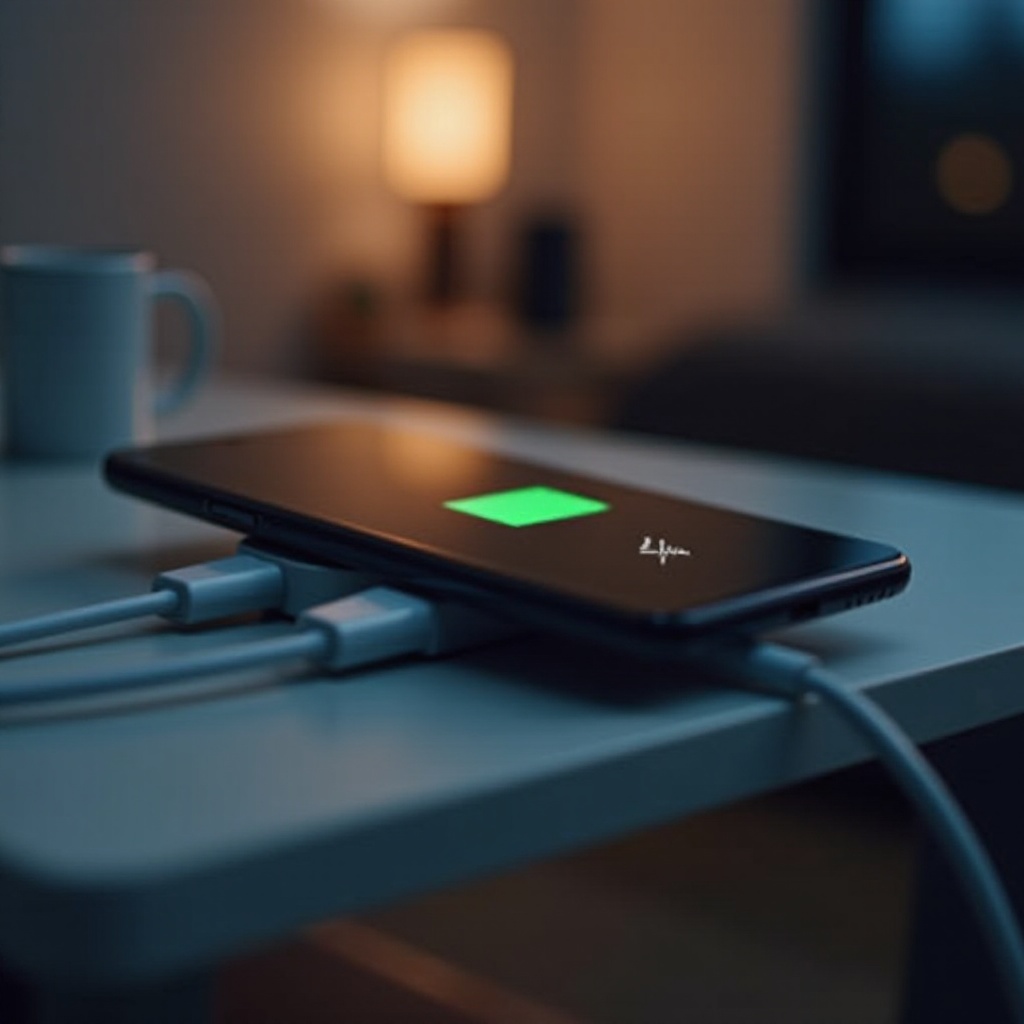
Common Reasons for iPhone Battery Drain While Charging
Numerous factors can draw power from your iPhone even while it should be charging. Recognizing these can guide you towards a solution:
- Background Activity and Power-Hungry Apps: Apps operating in the background, especially those refreshing often or using location services, can significantly drain power. Managing and identifying these apps can help curb power loss.
- Outdated Software and Applications: Software and app updates often fix bugs that could deplete battery life. Keeping your iOS and all apps current is crucial for avoiding unnecessary drains.
- Display Settings and Brightness: A brightly lit screen or sophisticated display settings, like dynamic wallpapers, can consume more power than expected. Adjusting your screen’s brightness and optimizing display settings may help prolong battery life.
Understanding these causes is vital to moving forward with solutions that target the source of the problem effectively.
How to Diagnose Battery Drain Issues
Before resolving the issue, diagnosing the precise cause of battery drainage is essential:
- Checking Battery Usage in Settings: Go to Settings > Battery to scrutinize how much power each app uses. This information can help identify unusually high power consumers.
- Analyzing Activity Logs: Examine your activity logs to spot any unusual power usage. This step can underscore patterns or specific apps responsible for higher-than-expected power usage.
- Identify Energy-Intensive Apps: Take particular note of apps using excessive battery life, especially those running perpetually in the background.
A thorough diagnosis ensures that the solutions you choose will be efficient and directly tackle the identified issues.
Effective Solutions to Prevent Battery Drain
Once the diagnosis is clear, implementing the right strategies can help prevent further drain:
- Regular Software and App Updates: Ensure your iOS and all your applications are updated. Updates frequently resolve issues that impact battery performance.
- Managing Background App Activity: Disable Background App Refresh for non-essential applications. Navigate to Settings > General > Background App Refresh to customize these settings.
- Optimizing Screen Settings and Hardware Management: Reduce screen brightness and enable Auto-Brightness. Additionally, activate Auto-Lock to ensure the device is not active longer than necessary.
Implementing these solutions can alleviate immediate concerns and set the stage for improved battery management.
Advanced Tips for iPhone Battery Optimization
If standard solutions fall short, advanced methods can deliver further battery optimization:
- Using Low Power Mode: Low Power Mode curtails background activities, and reduces automatic downloads, extending battery life noticeably. Activate it via Settings > Battery or the Control Center.
- Disabling Unnecessary Functions: Switch off features such as Bluetooth, AirDrop, and GPS when they’re not needed to save battery life.
- Practicing Good Charging Habits: Utilize Apple-certified chargers, and avoid letting your battery drain completely or overcharge it repeatedly. These habits support your battery’s long-term health.
Implementing these advanced strategies will help ensure that your battery operates at its full potential, prolonging the life and performance of your device.
When to Consider Professional Assistance
If your battery continues to drain, or if the issue is unusually severe, consider seeking professional help. Apple Stores or authorized service providers can diagnose more complex hardware issues, such as a defective battery or internal component failures, that may require professional repair.

Conclusion
In understanding the reasons your iPhone might charge yet lose power, and by implementing these expert solutions, you can take control of your phone’s power management. Regular maintenance and mindful habits can significantly contribute to better battery health and extended device longevity.
Frequently Asked Questions
Why does my iPhone lose battery while charging but gain it when turned off?
If your iPhone gains battery when it’s off, it shows that hidden processes may be active while on. Disabling non-essential apps can help.
Can a faulty charger cause my iPhone battery to drain while charging?
Yes, non-certified chargers can result in improper charging. Ensure using Apple-approved accessories for optimal battery health.
How can I tell if my iPhone battery needs to be replaced?
Check the Battery Health in Settings. A maximum capacity under 80% or a performance warning indicates replacement is needed.