
Introduction
Synchronizing your Wii Fit Board with your Wii Console can transform your gaming and fitness experience. By ensuring that your board is correctly synced, you gain access to fitness games that engage you physically and mentally. This comprehensive guide will walk you through the syncing process, troubleshoot common problems, and help you optimize your setup for the best performance.
Understanding Your Wii Fit Board
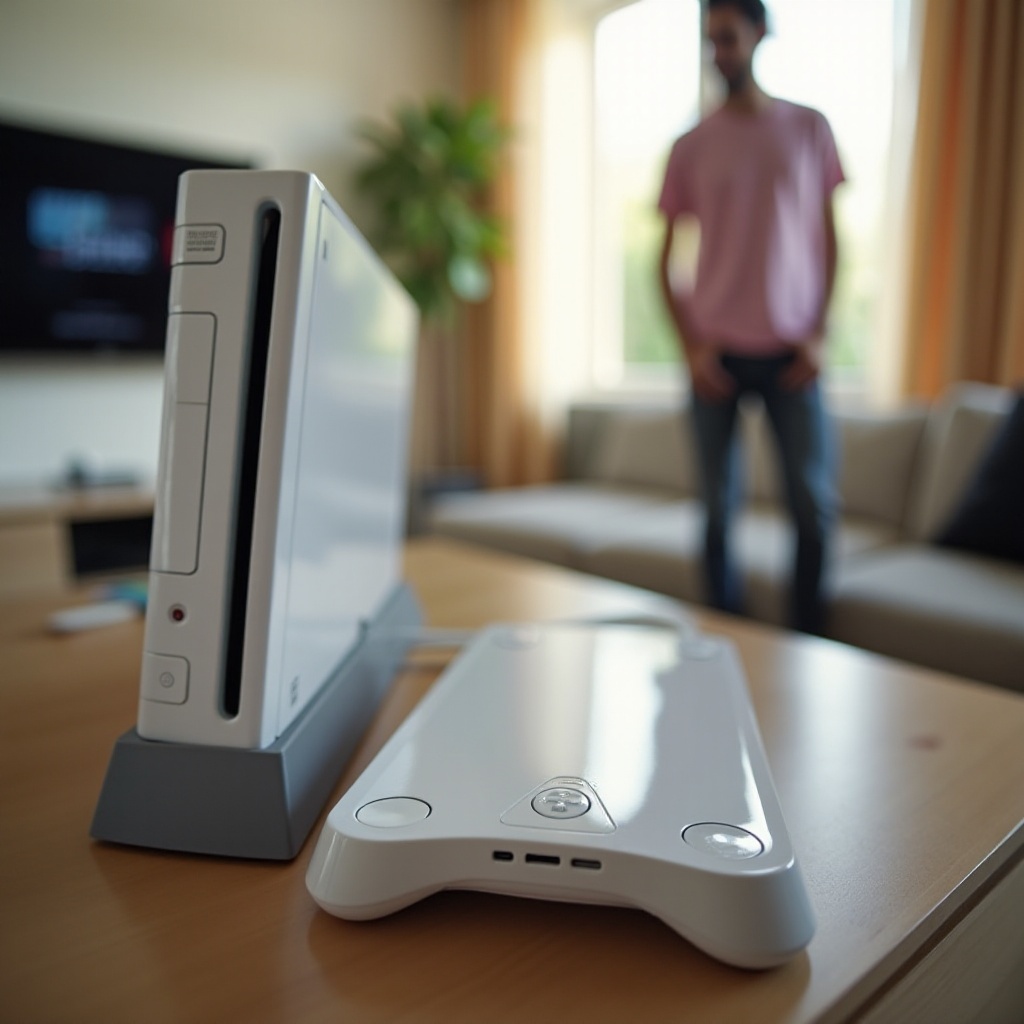
It’s crucial to understand the capabilities and compatibility of the Wii Fit Board before starting the syncing process. The board serves as a balance platform, tracking user motion and balance for interactive games and fitness applications. Designed to work seamlessly with the Wii console, the board offers a range of features that enhance your gaming sessions. Knowing these functionalities helps in maximizing the potential of your board.
Preparing to Sync
To ensure a smooth syncing process, start by preparing all necessary equipment. You’ll need:
– A powered Wii Console.
– A Wii Fit Board with fully charged, correctly installed batteries.
– A Wii Remote to navigate menu options.
Check that your Wii console is functioning correctly, and that all parts are free from obstructions like dust or debris that might affect the connection. Having all devices ready will streamline the syncing process.
Step-by-Step Guide to Syncing
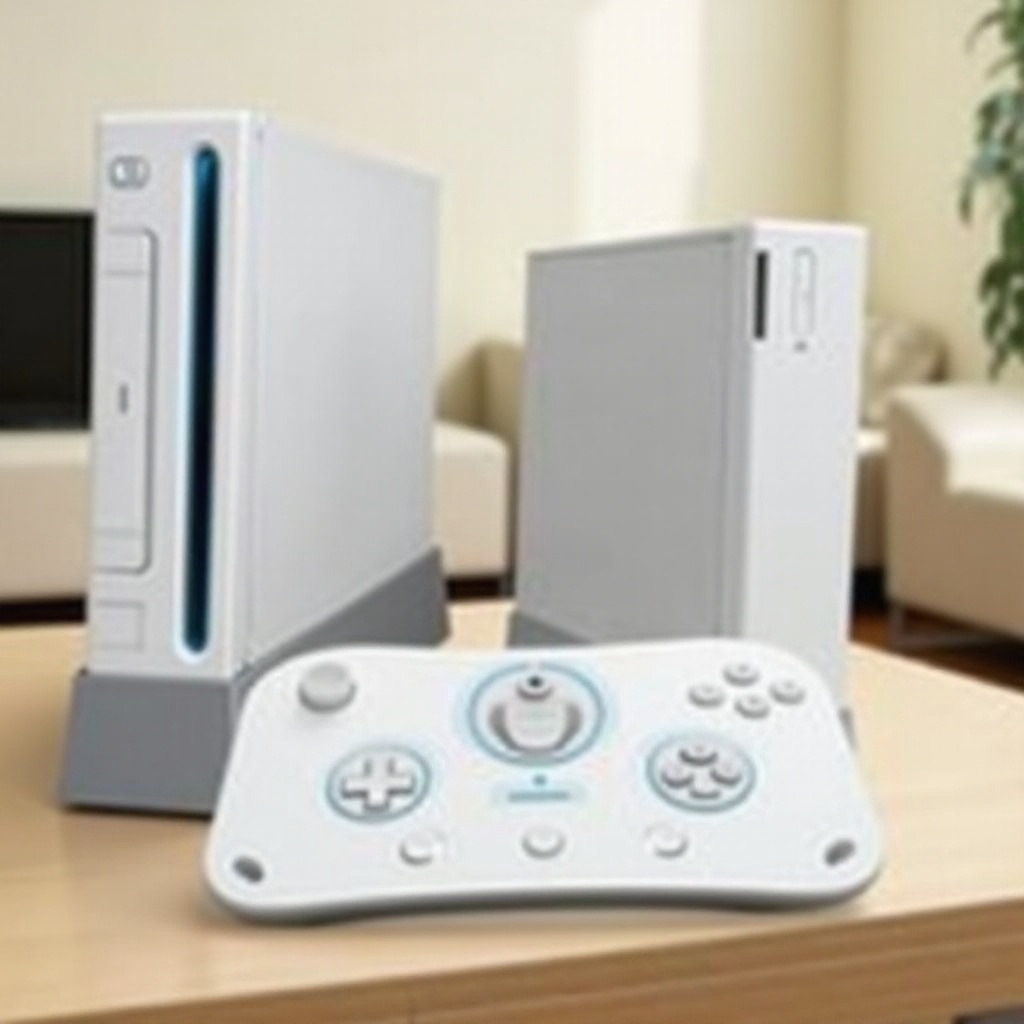
Syncing your Wii Fit Board follows a straightforward process. Follow these steps to ensure a proper connection:
1. Press the power button to turn on your Wii Console.
2. Ensure your Wii Fit Board has fresh batteries and switch it on by pressing any button.
3. Open the front panel on the Wii console to reveal the red sync button.
4. Locate the red sync button near the battery compartment on the Wii Fit Board.
5. Press the sync button on the Wii console, then the sync button on your Wii Fit Board.
Once you’ve pressed both buttons, a flashing light on the board indicates that the devices are connecting. A steady light signifies a successful sync.
Troubleshooting Common Issues
Despite your efforts, you might encounter syncing issues. If the Wii Fit Board fails to connect, try the following:
– Batteries: Confirm if the batteries in the Wii Fit Board are new and installed properly. Low battery power can cause connection issues.
– Re-sync Procedure: Repeat the syncing steps meticulously to verify that both console and board settings are correct.
– Interference: Prevent interference from nearby electronic devices that might disrupt the wireless connection between the console and board.
If difficulties persist, move on to advanced troubleshooting methods.
Advanced Troubleshooting Techniques
If basic troubleshooting proves unsuccessful, consider more in-depth measures:
– Reset Devices: Turn off both the Wii console and Wii Fit Board, wait a few moments, then turn them back on.
– Update System Software/Firmware: Check for system updates that might be necessary for device connectivity. Updates often resolve bugs affecting performance.
Analyzing these steps will clear any persistent issues preventing a proper sync.
Optimizing Your Wii Fit Board Experience
Once your Wii Fit Board is synced, improving its performance is vital for a satisfactory user experience. Ensure your gaming area is clutter-free, providing enough space for movement. Regularly clean the sensory areas of the board to enhance performance and maintain connectivity. Implementing these strategies ensures every gaming session is not only safe but also engaging.
Conclusion
Syncing your Wii Fit Board to your Wii Console is a fundamental process for an enriched gaming experience. By systematically addressing connectivity and applying prevention techniques, you pave the way for enjoyable gaming and fitness activities. With everything set, you’re ready to explore exciting interactive adventures.
Frequently Asked Questions
Why won’t my Wii Fit Board connect?
Connection failures might be due to weak batteries, interference from other devices, or the need to reinitiate the sync process.
How do I know if my Wii Fit Board is synced correctly?
A steady light signal on the Wii Fit Board indicates a successful connection with the console.
Can I use the Wii Fit Board with other consoles?
The Wii Fit Board is designed specifically for the Wii console and may not be compatible with other gaming systems. Always check compatibility with newer or different consoles before attempting a connection.