
Introduction
Connecting Joy-Cons to your Nintendo Switch is the first step to unlocking an immersive gaming experience. These compact yet powerful controllers transform how you interact with your games, enhancing precision and responsiveness. Whether gaming solo or sharing the fun in multiplayer mode, Joy-Cons are key. This guide will lead you through the pairing steps, troubleshoot issues, and unlock advanced techniques to optimize your gaming sessions effortlessly.
To start, you’ll want to understand the Joy-Cons’ unique components and how they function in harmony with your console.
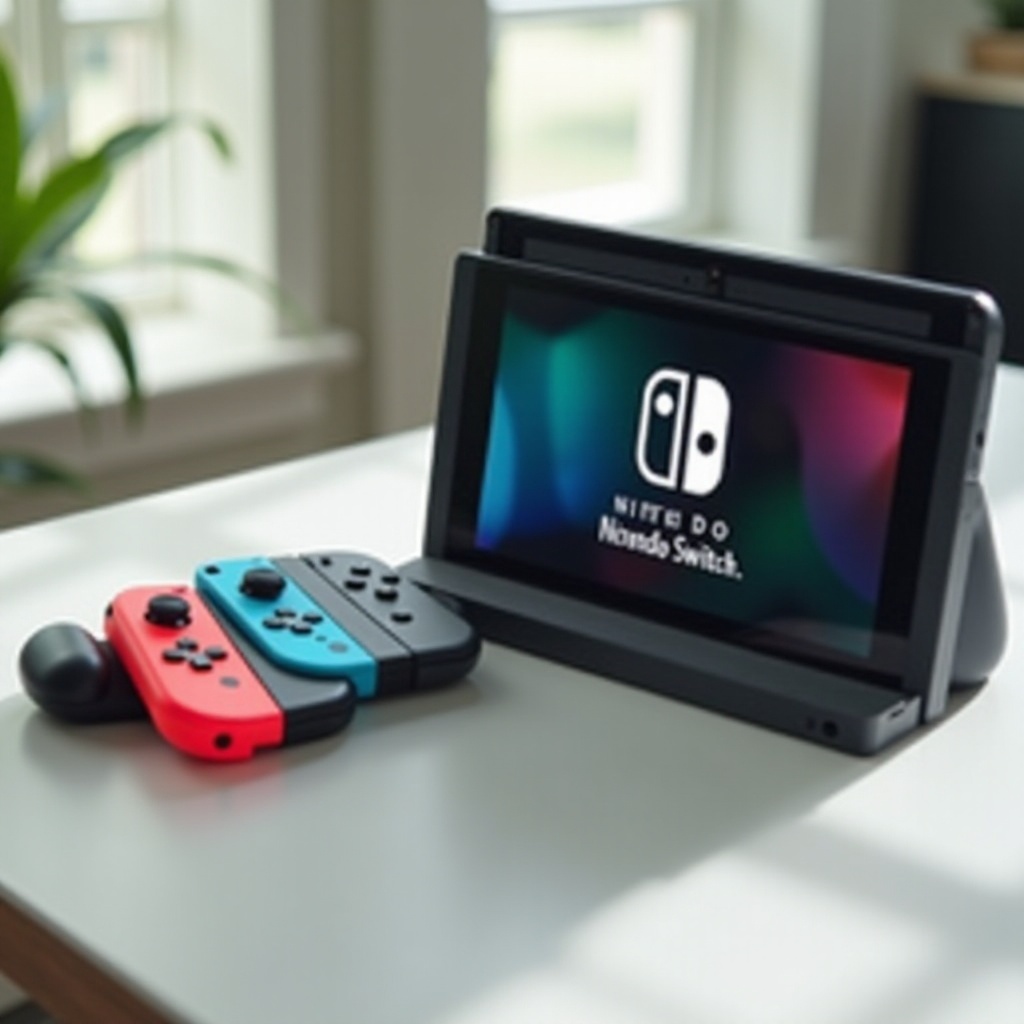
Understanding Joy-Cons and Their Connection to Nintendo Switch
Joy-Cons are not just standard controllers—they are essential tools for immersive gameplay. Each Joy-Con is equipped with buttons, an accelerometer, a gyroscope, and advanced wireless technology.
- Anatomy of a Joy-Con: Comprising multiple buttons and sensors, Joy-Cons capture your movements and commands with precision.
- Why Proper Pairing is Important: Correct pairing ensures lag-free interaction, maintaining the rhythm of intense gaming moments.
This foundational knowledge sets the stage for the main connection process, covering different playing modes.
How to Pair Joy-Cons to Your Switch
With a foundational understanding of Joy-Cons, you’re prepared to pair them with your Switch effectively. Here’s how to seamlessly integrate these controllers:
- Pairing Joy-Cons in Handheld Mode:
-
Slide each Joy-Con into the console’s side rails until they click into place. The console should automatically detect them.
-
Pairing Joy-Cons for Docked Mode and Tabletop Mode:
- Detach the Joy-Cons and press the ‘Sync’ button on each until you see flashing lights.
-
Access the Home Menu on your Switch, select ‘Controllers’, then ‘Change Grip/Order’. Follow the on-screen prompts to complete pairing.
-
Quick Tips for Successful Pairing:
- Ensure Joy-Cons are charged and positioned near the console. Minimize interference from other wireless devices for a stable connection.
After successful pairing, troubleshooting skills become crucial to address any disruptions that might occur.
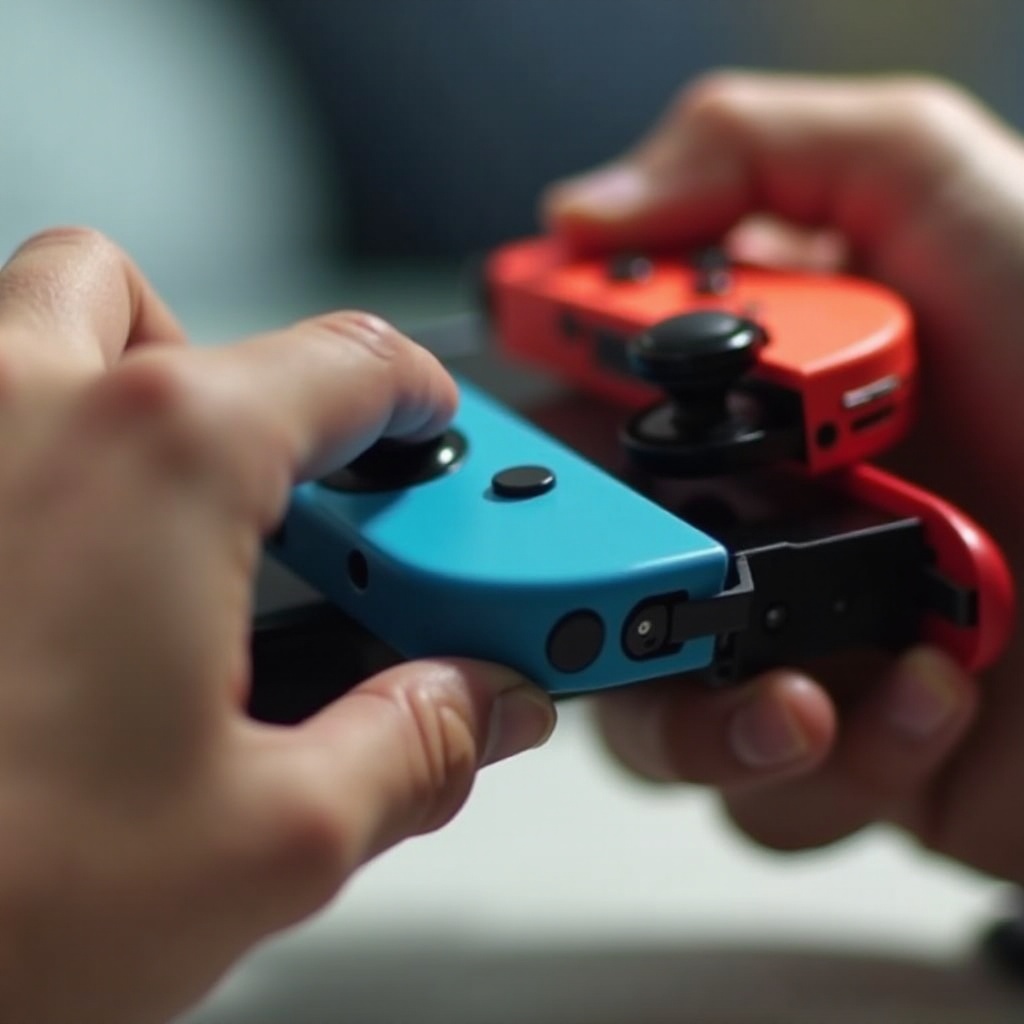
Troubleshooting Joy-Con Pairing Issues
Even seasoned gamers face pairing issues, but these challenges are manageable with the right approach:
-
Common Pairing Problems and Solutions: If your Joy-Cons won’t connect, verify that they’re charged, and ensure your Switch has the latest software updates. Rebooting the console can often resolve initial glitches.
-
Troubleshooting Connectivity Issues: For Joy-Cons that disconnect during gameplay, try moving closer to the console. Persistent issues may require resetting the Joy-Cons by holding their Sync buttons for over 10 seconds.
-
When to Seek Professional Help: If these steps fail and hardware issues are suspected, contact Nintendo Support for expert assistance.
Once troubleshooting becomes second nature, advanced techniques can enhance your gaming by fine-tuning performance.
Advanced Pairing Techniques and Tips
To elevate your gameplay, explore advanced techniques for optimizing your Joy-Con experience.
-
Maintaining a Strong Connection: Regularly update both the Joy-Cons and the console to avert issues stemming from outdated software.
-
Customizing Settings for Optimal Performance: Use ‘System Settings’ to adjust vibration levels and button configurations to suit your gameplay style.
-
Improving Battery Life: To conserve power, consider disabling features like vibration when unnecessary and store Joy-Cons properly when not in use.
These advanced strategies will ensure your gaming sessions are smooth and engaging. Concluding this journey of pairing and troubleshooting is as important as the guide itself.
Conclusion
Pairing Joy-Cons with the Nintendo Switch need not be complex. Through understanding Joy-Con technology and mastering both basic and advanced pairing techniques, you enhance not just connectivity but also gamely vitality. By practicing the troubleshooting methods discussed and applying every advanced tip, prepare to enjoy your favorite games without interruption. Consistent practice of these steps ensures optimal performance, transforming your gaming sessions into seamless adventures.
Frequently Asked Questions
How do I pair Joy-Cons to my Switch Lite?
To pair Joy-Cons with your Switch Lite, slide them onto the console or connect using ‘Change Grip/Order’ in the Controllers section.
Can Joy-Cons be paired to devices other than the Switch?
Joy-Cons can pair with devices like PCs via Bluetooth, although functionality is often limited compared to pairing with the Switch.
What should I do if my Joy-Cons won’t charge?
Check if the Joy-Cons are properly attached or docked, ensure there’s no obstruction in the rails, and consider replacing the battery if charging issues persist.