
Introduction
Experiencing a ‘black hole’ on your phone screen can be frustrating and disruptive. This issue, characterized by dark spots that don’t go away, can hinder your daily phone usage. This article provides insights into the nature of this problem, explores its causes and offers practical ways to fix and prevent it in the future.

What Is the ‘Black Hole’ in Phone Screens?
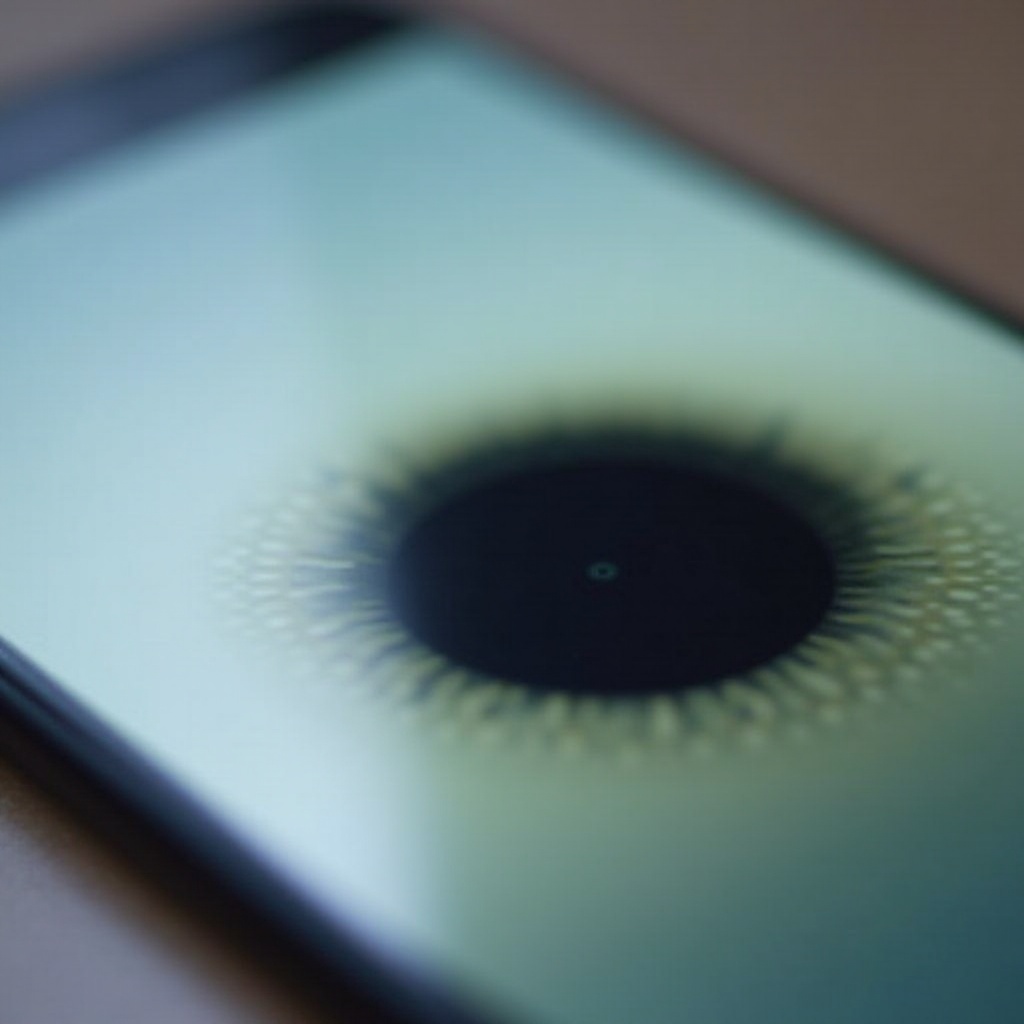
The ‘black hole’ in phone screens typically refers to sections where pixels have failed, leaving a discolored or dark area on your display. On advanced screens using OLED or AMOLED technology, these dark spots may result from pixels that have ceased to function correctly, either being dead or stuck. Such defects can degrade viewing experiences and even affect screen functionality if left untreated.
Causes of the ‘Black Hole’ Issue
Understanding and addressing the root causes of screen defects is essential to prevent and repair them effectively.
Manufacturing Defects
Sometimes phones are shipped with inherent screen faults due to issues during the manufacturing process. Identifying these early can be beneficial for warranty claims.
Physical Damage or Pressure
Physical impacts like drops or continuous pressure from heavy items can damage delicate screen components, leading to what appears as ‘black holes.’ Proper care and use of protective cases can mitigate this damage.
Software Glitches
Occasionally, software updates might temporarily affect your screen, making pixels appear non-functional. Although rare, these glitches can usually be addressed by simple updates or resets.
Each of these factors has specific solutions and preventive measures crucial for maintaining your device.
Diagnosing the ‘Black Hole’ Problem
To effectively manage the ‘black hole’ in your screen, the first step is proper diagnosis.
Identifying Symptoms
Observe your screen under various lighting conditions: if it reveals persistent dark spots, it’s likely you have an issue with dead pixels.
Tools and Apps for Diagnosis
Specialized apps are available to help identify screen issues. These tools run color tests to detect dead or stuck pixels and might even attempt pixel recovery.
After diagnosing, you can pursue appropriate repair or prevention strategies for your device.
Effective Solutions and Fixes
Addressing a ‘black hole’ in your phone’s screen involves DIY techniques or professional repairs.
- DIY Fixes for Minor Issues
- Use pixel-rejuvenation apps that flash various colors to facilitate pixel recovery.
-
Gently massage the affected area using a soft cloth to attempt physical relief for stuck pixels.
-
Professional Repair Options
-
Consult with certified repair services where technicians can evaluate and repair complex issues, often providing sustainable screen solutions.
-
When to Consider Phone Replacement
- For out-of-warranty devices or when repair costs are prohibitive, upgrading to a new phone might be the best option for extended usability and features.

Preventing Future Screen Issues
Preventing screen defects involves adopting strategies that safeguard your device.
Protective Accessories
Invest in quality screen protectors and durable cases to guard against accidental damages that often result in screen issues.
Best Practices for Phone Care
Handle your phone carefully, reducing exposure to physical stress and environmental elements. Regular cleaning with appropriate materials also prolongs its lifespan.
Implementing such preventive actions ensures your phone remains in optimal condition.
The Role of Technological Advances in Screen Durability
Emerging technologies greatly influence screen durability, reducing the risk of defects.
OLED and AMOLED Technologies
These display technologies provide superior color and brightness while improving pixel longevity and overall screen reliability.
Innovations in Screen Protection
Manufacturers continue to develop more resilient glass and protective coatings, offering enhanced protection from scratches and impacts.
These innovations herald a future where screens are less susceptible to traditional defects and more resilient overall.
Conclusion
The ‘black hole’ on a phone screen is frustrating but fixable. By understanding its causes and leveraging both professional and DIY solutions, as well as adopting preventive practices, you can enhance the lifespan and functionality of your device. Balancing repair and upgrade decisions with awareness of technological advancements can further ensure lasting satisfaction.
Frequently Asked Questions
How can I tell if my phone screen has a ‘black hole’?
Observe your screen for persistent dark spots under various lighting conditions, as this can indicate dead pixels.
Are ‘black holes’ covered under phone warranties?
Coverage depends on the manufacturer and specific warranty terms. Typically, manufacturing defects may be covered but not physical damage.
Is it better to repair or replace a phone with a ‘black hole’ in the screen?
For newer models, repair is often cost-effective. However, if your phone is old or repairs are pricey, it might be more economical to consider a replacement.