
Introduction
For Mac users, choosing the right equipment is key to ensuring the best audio experience, whether it’s for podcasts, music recordings, or video conferences. This guide offers a deep dive into the best microphones available for Mac in 2024, highlighting top recommendations, essential features, and comprehensive setup instructions to elevate your audio quality.
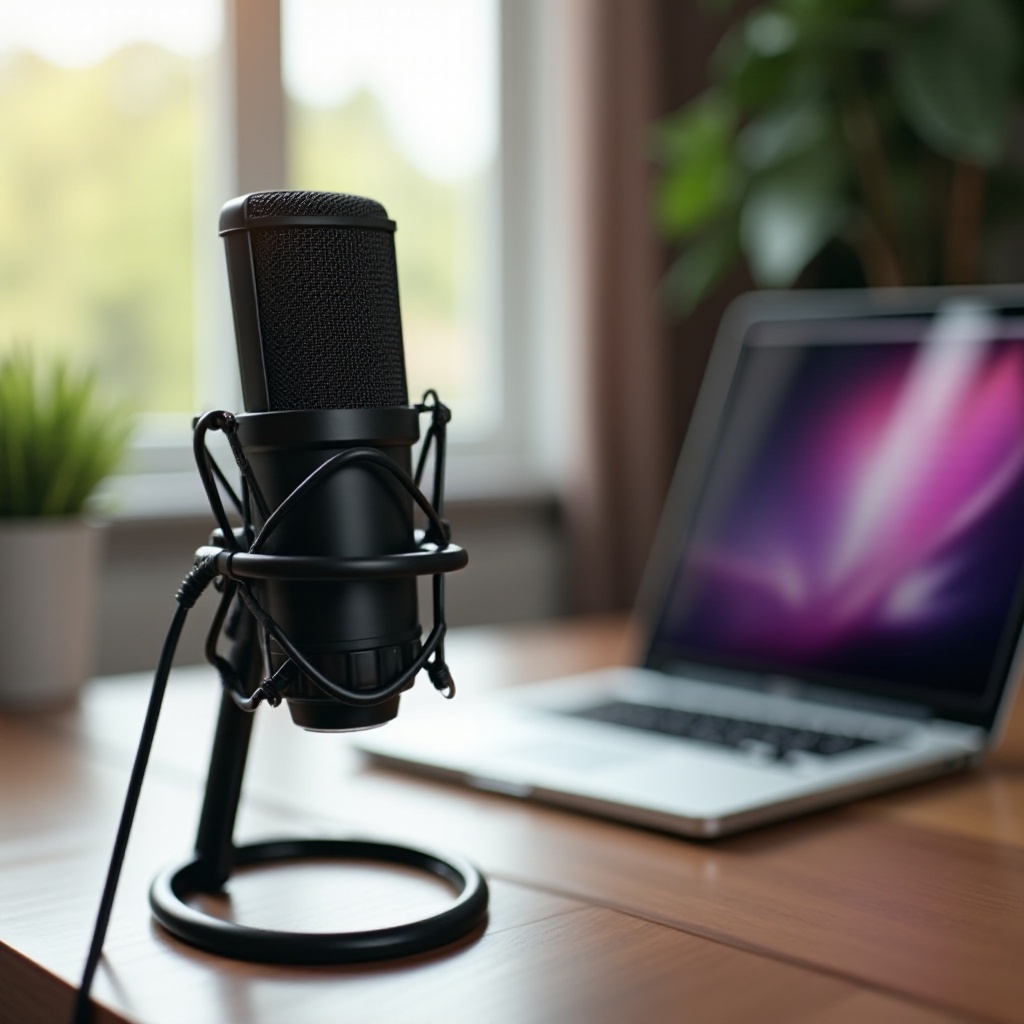
Understanding Microphone Types
Navigating the world of microphones can be overwhelming, so understanding the different types is crucial:
USB vs. XLR Microphones
USB microphones are plug-and-play solutions for those who value simplicity and ease. They connect directly to your Mac, allowing quick setup. In contrast, XLR microphones require an audio interface but offer superior sound quality, making them a favorite among audio professionals.
Dynamic vs. Condenser Microphones
Dynamic microphones are rugged and excellent for live settings, handling loud sounds without distortion. They are ideal for vocals and instruments. Condenser microphones, meanwhile, are more sensitive and provide detailed audio, perfect for controlled environments like a studio.
Why Mac Compatibility Matters
Ensuring your microphone is compatible with macOS can save you time and hassle. Native support or easy-to-install drivers are essential for a smooth user experience.
Having explored microphone types, we can now look at specific models that pair seamlessly with Macs.
Top Microphone Picks for Mac in 2024
Selecting the right microphone depends on performance expectations and budget requirements. Here are some top picks:
Best Overall Microphone
The Rode NT-USB microphone excels with its exceptional clarity and user-friendly design. It’s the ideal choice for podcasters and musicians who want professional-grade recordings without extensive setup.
Best Budget Microphone
The Fifine USB Microphone provides excellent sound fidelity at a wallet-friendly price, making it perfect for students or casual users.
Best Professional Microphone
The Shure SM7B is the industry standard for professional recordings, with top-notch dynamic range and superb clarity, suited for serious content creators or broadcasters.
Once you have selected your microphone, understanding key features will help you maximize its potential.
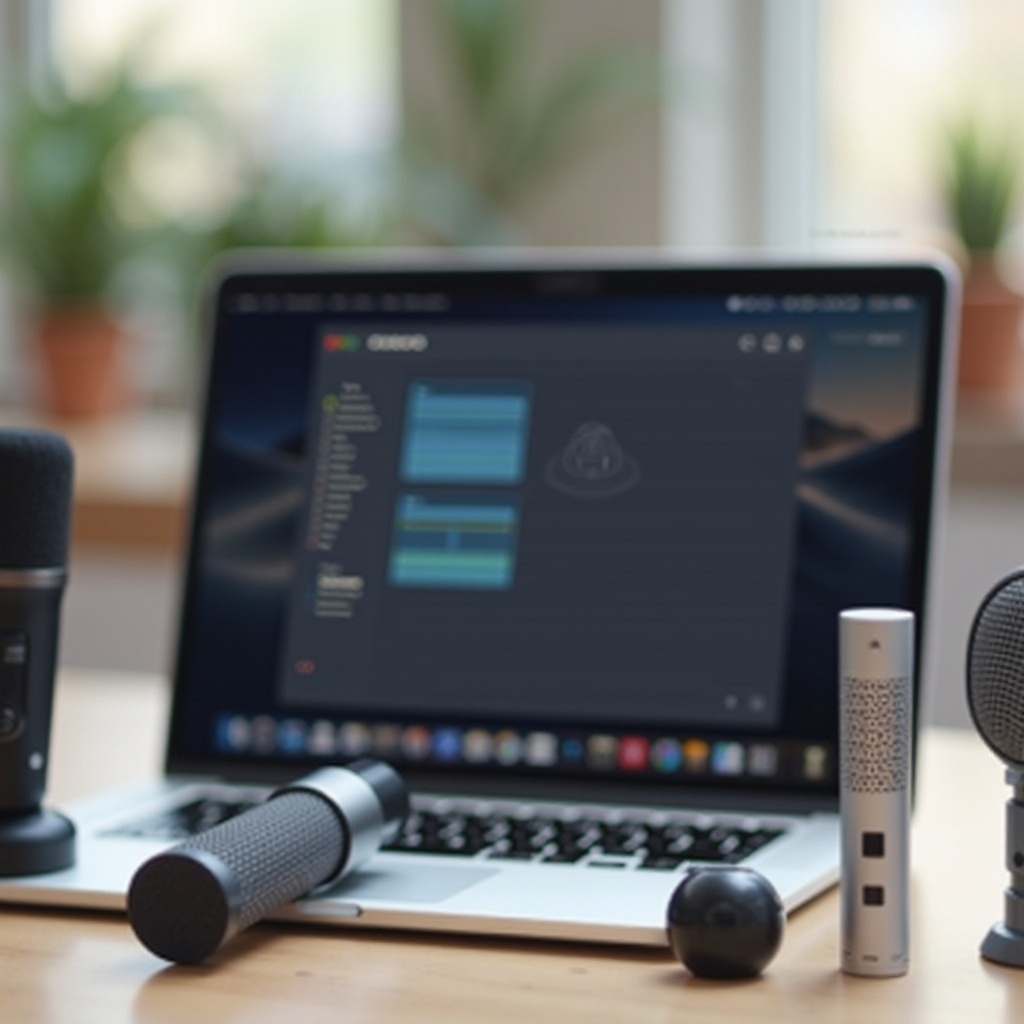
Key Features to Consider
Before purchasing a microphone, it is crucial to consider these features:
Frequency Response and Sensitivity
A flat frequency response enables accurate sound capture without altering the original sound. High sensitivity is important for picking up quiet sounds effectively.
Polar Patterns
Polar patterns describe how microphones pick up sound from different angles. Choosing between cardioid, omnidirectional, or bidirectional depends on your recording environment and requirements.
Build Quality and Portability
Reliable build quality ensures your microphone withstands rigorous use, while lightweight designs facilitate on-the-go recordings without sacrificing quality.
After understanding these features, the next step is setting up your microphone for optimal performance on your Mac.
Setting Up Your Microphone on Mac
To achieve the best results, proper setup is key:
Installation and Configuration Tips
- Connect your microphone to the appropriate Mac port.
- Access System Preferences, select Sound, and navigate to the Input tab to set your microphone as the input device.
- Adjust the input volume to avoid distortion or insufficient capture.
Common Setup Errors to Avoid
- Double-check that your microphone is selected as the input in your software.
- Keep your operating system updated to prevent compatibility issues.
- Maintain an adequate distance between your mouth and the microphone to reduce background noise and distortion.
Once your microphone is properly set up, it’s time to enhance your audio experience with further tools and techniques.
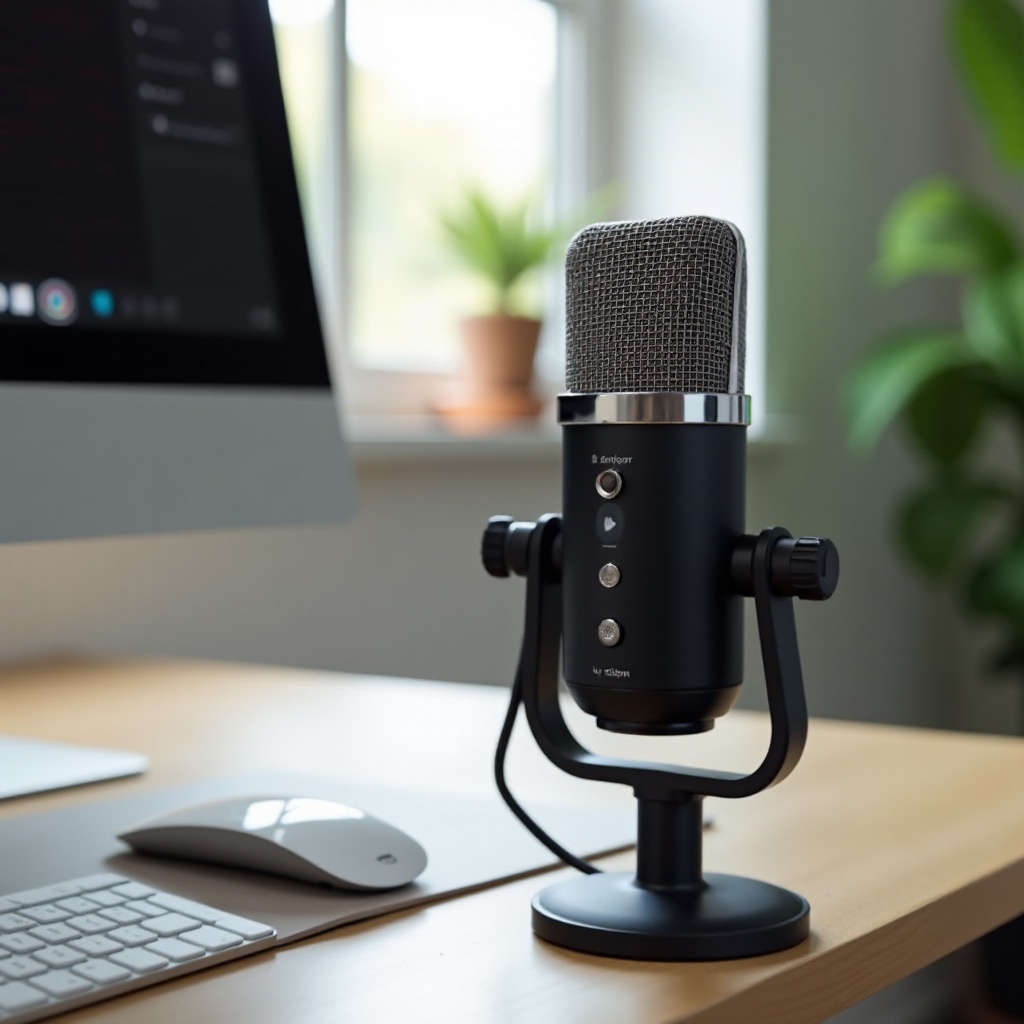
Enhancing Audio Experience
Positioning and software can greatly affect audio quality:
Recommended Software for Mac Users
Applications like GarageBand and Logic Pro X offer extensive sound editing features tailored to Mac users.
Positioning for Optimal Sound Quality
Position the microphone around 4-6 inches away from your mouth at a suitable angle to ensure natural sound capture and minimize ambient noise interference.
With setup and enhancements in place, let’s wrap up with a conclusion.
Conclusion
The journey to find the best microphone for your Mac involves understanding your specific needs and carefully considering key features. Selecting the right type and ensuring compatibility enhance audio experiences dramatically. By following the setup and performance tips, achieving studio-quality sound is accessible to all Mac users.
Frequently Asked Questions
What microphone works best with MacBook Pro?
The Rode NT-USB offers excellent compatibility and sound quality for MacBook Pro users, making it a top pick.
Are USB microphones good for professional recording on a Mac?
Yes, especially models like the Rode NT-USB and Blue Yeti, known for their high-fidelity audio capture.
How do I troubleshoot microphone issues on my Mac?
Ensure the microphone is selected in System Preferences, check for driver updates, and verify connections are secure.