
Introduction
Apple has always set the benchmark for innovation in the computer industry. Known for their sleek designs and exceptional user experience, Apple computers have consistently been at the forefront of technological advancements. CD drives were once integral to these machines, allowing users to install software, play media, and store data efficiently.
Today, while the technology landscape has drastically changed, the legacy of CD drives remains important for many users. This comprehensive guide explores the history and impact of CD drives in Apple computers and provides insights into alternative solutions that accommodate evolving user needs.
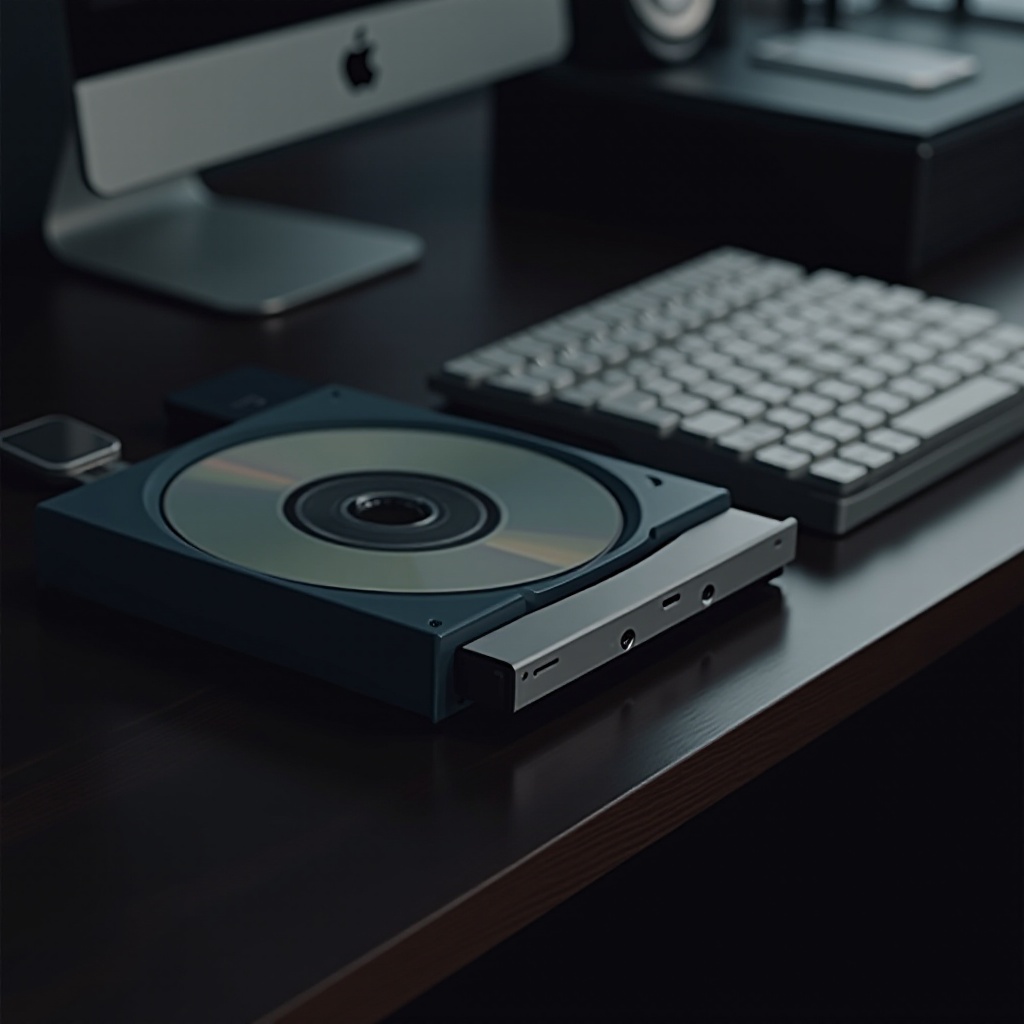
The Legacy of CD Drives in Apple Computers
When CD drives were introduced into Apple computers, they quickly became essential tools for users. Their inclusion marked a significant growth phase for Apple, as these drives facilitated access to data and multimedia content previously unattainable through other means.
-
Introduction to CD Drives in Early Apple Models: In the mid to late 1990s, Apple computers like the iMac G3 and the Power Mac series featured built-in CD drives. These additions greatly expanded computing capabilities, improving software distribution, media access, and data storage.
-
Notable Models Featuring CD Drives: The iMac G3 marked a turning point with its colorful design and built-in CD drive, capturing the interest of home and business users alike. This model, along with other contemporaries, defined the era of CD-driven computing, integrating optical media as a core component of the digital experience.
Understanding this legacy helps contextualize Apple’s ongoing technological progression. As we acknowledge this past, we also prepare for future innovations that enhance and diversify computing experiences.
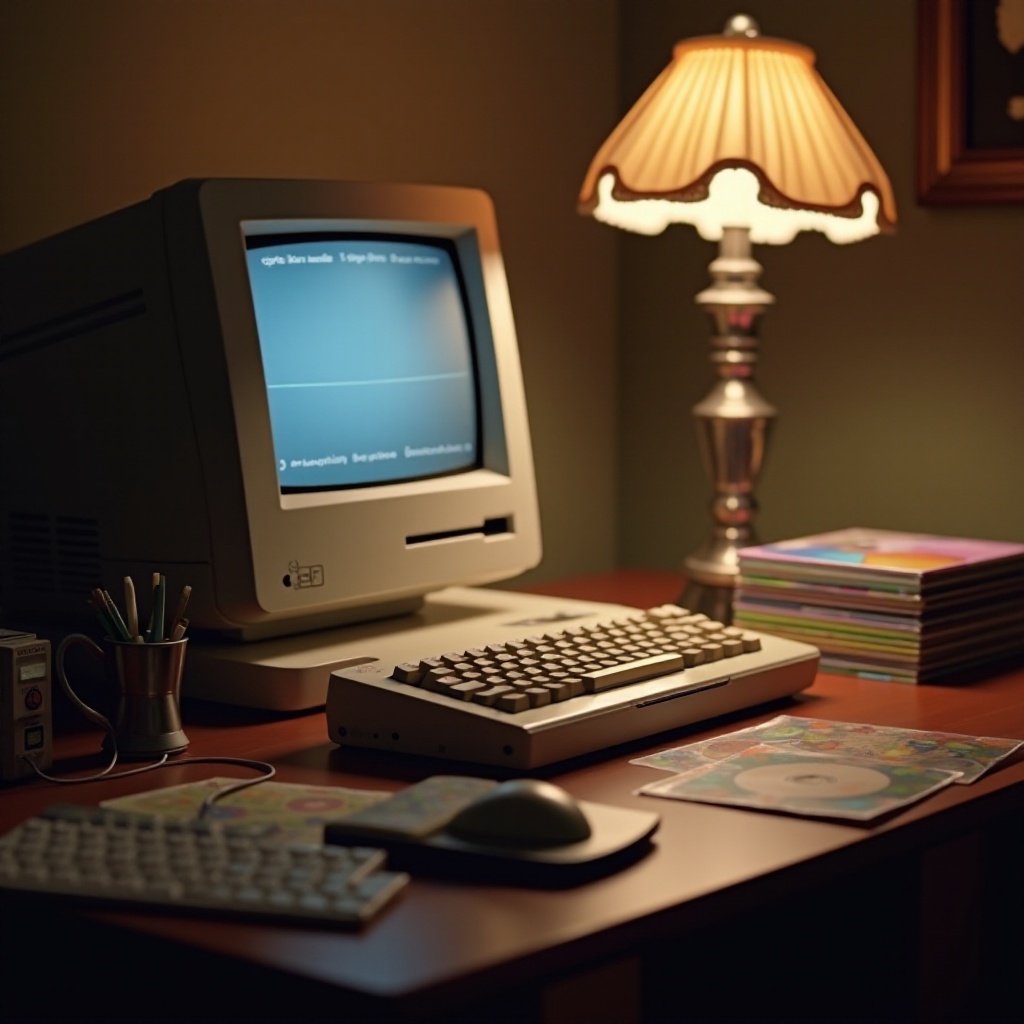
The Shift from CD Drives to Modern Alternatives
Apple’s innovation trajectory led to a natural transition away from CD drives as demand for more compact and efficient solutions grew. Emphasizing modern alternatives became central to Apple’s strategy.
-
Evolution Towards Slimmer Design: Apple’s dedication to producing sleeker, more portable devices required omitting bulkier components like CD drives. This shift enabled the development of laptops and desktops that were lightweight, powerful, and aesthetically pleasing, catering to a mobile and agile user base.
-
The Rise of USB and Cloud Solutions: Simultaneously, the popularity of USB flash drives and the emergence of cloud services diminished the necessity for CDs. iCloud and similar services provided streamlined access to data, fostering a cloud-based culture that prioritized speed, flexibility, and ease of use.
These innovations proved pivotal in shaping modern computing trends. The gradual substitution of physical media with digital solutions reflects broader technological shifts that prioritize efficiency and connectivity.
Why Apple Removed CD Drives: Understanding the Transition
Removing CD drives from Apple computers was a strategic decision born from a commitment to cutting-edge technology and improved user experiences.
-
Benefits of Streamlining Hardware: Eliminating CD drives allowed Apple to focus on enhancing battery life, reducing costs, and increasing product reliability. With fewer moving parts, Apple devices became more durable and offered users a streamlined, consistent performance with every use.
-
Emphasis on Cloud-Based Services: Apple’s emphasis on cloud technology further justified the removal of CD drives. Services like iTunes, now incorporated into Apple Music, and iCloud enabled users to access and store content effortlessly, fostering an ecosystem that touted accessibility and seamless integration.
As Apple’s ecosystem continues to expand, its focus on developing interconnected digital experiences without physical constraints reiterates its role as an industry leader. The evolution away from CDs is a testament to Apple’s adaptability in a rapidly changing technological landscape.
Alternatives for Users Needing CD Drive Functionality
Despite the obsolescence of built-in CD drives, there are still viable options for those who need to access CDs or DVDs in their computing.
-
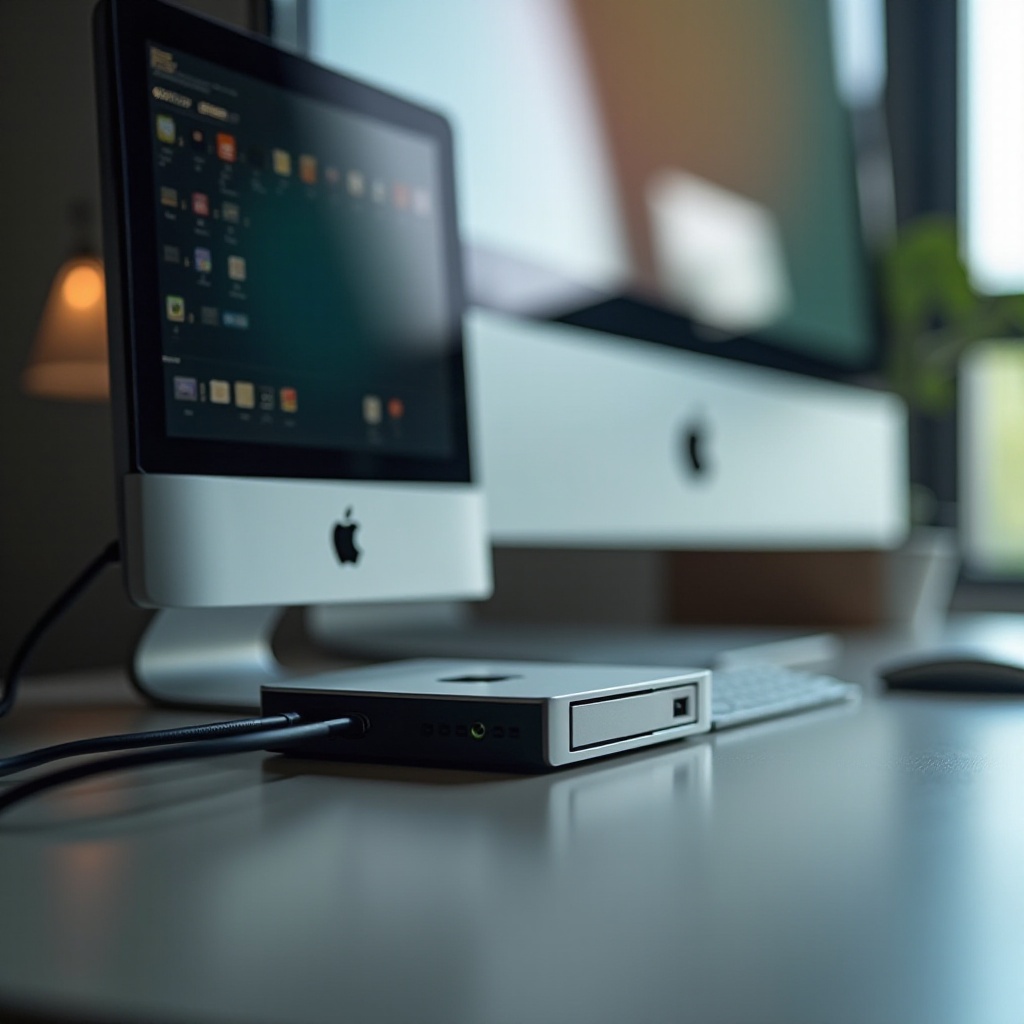
Recommended External CD/DVD Drives for Mac: Users requiring CD drive functionality can invest in external drives, such as those offered by LG, ASUS, and Pioneer. These devices connect to Macs via USB ports and replicate the capabilities of traditional CD drives without internal storage constraints.
-
Software Tools for Accessing CD Content: Software options like VLC Media Player provide playback capabilities, while applications such as Burn and HandBrake facilitate the copying and digital conversion of CD content, enabling a smooth transition from physical to digital media.
These alternatives empower users to continue utilizing CDs while embracing modern technology. Transitioning to external equipment and software solutions bridges the gap between past practices and current innovations, ensuring consistent access to essential content.
Future-Proofing Your Apple Experience
To align with Apple’s forward-moving trajectory, users are encouraged to embrace digital trends and future-proof their computing experiences.
-
Embracing Streaming and Online Services: Leveraging streaming platforms such as Apple Music and Spotify minimizes reliance on CDs, offering limitless access to a wealth of music and media.
-
Relying on Advanced Storage Solutions: By migrating to cloud storage services like iCloud or Dropbox, users can maintain an organized, secure, and accessible library of documents, photos, and media, regardless of device.
As technology evolves, Apple’s commitment to seamless integration across devices ensures users remain compatible with the latest advancements. Future-proofing practices preserve the relevance of Apple products, supporting users as they navigate the digital age.
Conclusion
Apple’s transition from CD drives to modern technological solutions marked a significant advancement in computing. By focusing on innovations such as cloud services and portable hardware, Apple has facilitated a more efficient and integrated user experience. Those nostalgic for the past can still find solutions bridging the gap between legacy technology and contemporary practices, underscoring Apple’s commitment to meeting diverse user needs.
Frequently Asked Questions
What can I do if I need to use a CD with my Apple computer?
You can utilize an external CD/DVD drive that connects via USB, providing the necessary functionality.
Are there any recent Apple models with CD drives?
No recent models feature built-in CD drives, though support for external alternatives and cloud storage exists.
How can I transfer data from a CD to my Apple computer without a built-in drive?
Use an external CD drive to access the CD, then transfer the content using tools like Burn or HandBrake.